
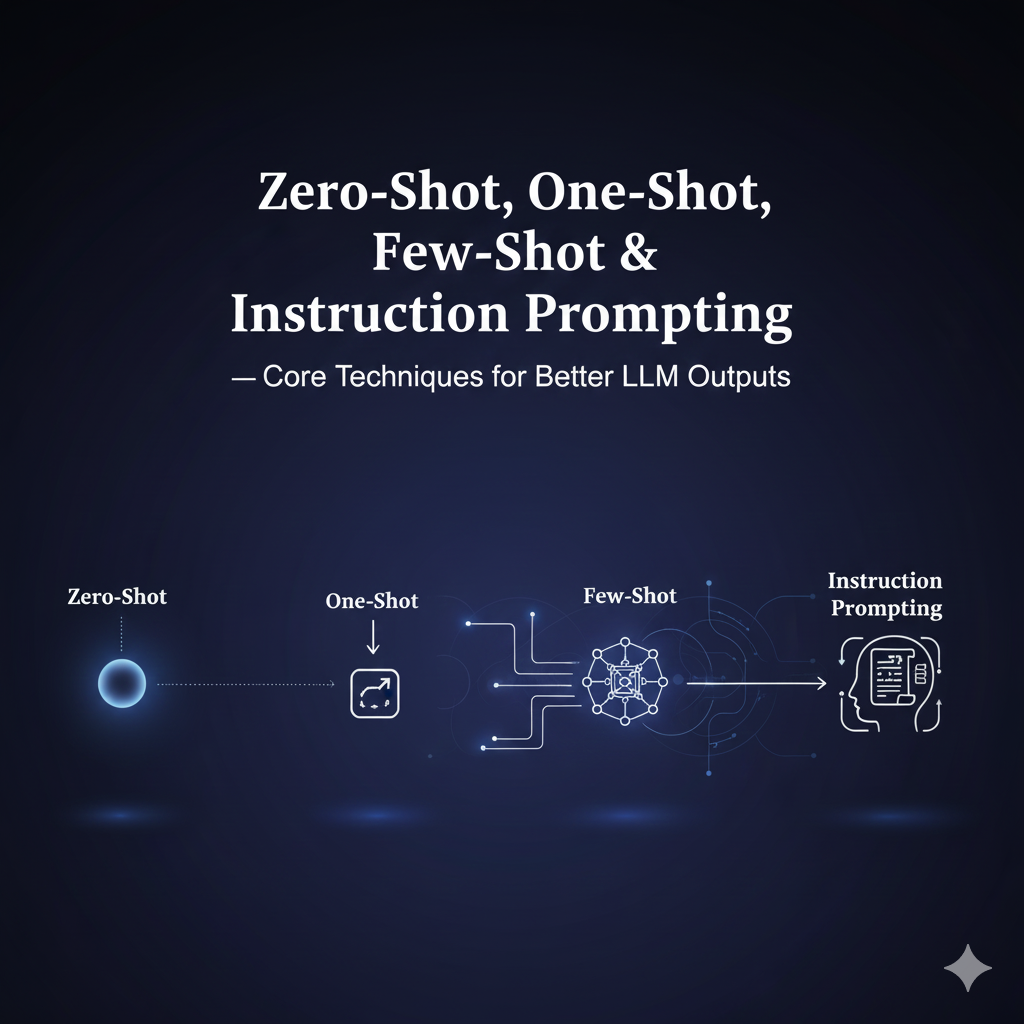
🚀 Introduction: Zero-shot, One-shot, Few-shot & Instruction Prompting
Modern LLMs allow developers to control model behavior without training — using in-context learning. The four most important prompting strategies are:
- Zero-shot
- One-shot
- Few-shot
- Instruction prompting
Each strategy helps you shape the model’s output quality, reliability, and structure — without modifying the weights.
This guide gives you definitions, examples, scenarios, engineering patterns, tips, pitfalls, and templates — everything a developer needs to use these techniques effectively in production systems.
Editor's Note: You can safely test the techniques in this guide using the PROMPT_ENGINE AI Prompt Generator. It is fully client-side and secure—your prompts never leave your browser and are never stored or used for AI training.
🧩 1. What Are These Prompting Techniques?
✨ Zero-shot Prompting
Definition: Giving the model a task inside an instruction, with no examples.
When to use:
- Task is common
- Output format is simple
- Ambiguity is low
- You want cheapest, lowest-token solution
Strengths: fast, cheap, minimal prompt size Weaknesses: output inconsistencies on complex tasks
🎯 One-shot Prompting
Definition: Give the model one clear example → then ask it to perform the task.
When to use:
- Output format must be precise
- One example drastically reduces ambiguity
- You cannot afford many examples
Strengths: better formatting; saves tokens Weaknesses: may not capture edge cases
🧠 Few-shot Prompting
Definition: Provide several input-output examples before asking the model to generalize.
When to use:
- Pattern learning required
- You need predictability & determinism
- Complex transformations
- Edge cases matter
Strengths: highest accuracy without fine-tuning Weaknesses: more tokens → higher cost & latency
📝 Instruction Prompting
Definition: Provide a strong instruction (system + user), with no examples needed, relying on the model’s instruction-following fine-tuning.
When to use:
- Structure matters ("3 bullets", “JSON only”, etc.)
- Safety & consistency required
- You want a clean, compact prompt
Strengths: clear, maintainable, easy to evolve Weaknesses: may still hallucinate without examples
📌 2. Real-World Developer Scenarios
🔧 Scenario 1 — Data Extraction (Zero-shot)
Extract "Company", "Revenue", “Year” from paragraphs.
Zero-shot often works because the task is common.
🛠️ Scenario 2 — Complex Formatting (One-shot)
Transform logs → structured JSON. One example shows the exact shape and solves ambiguity.
🧪 Scenario 3 — Domain-specific Transformation (Few-shot)
Convert messy CSV/SQL/text → custom structured output. Few-shot enables the model to learn your specific rules.
🧱 Scenario 4 — Deterministic Summaries (Instruction Prompting)
You want:
- 3 bullets
- 12–15 words each
- No filler
- No passive voice
Instruction prompting excels here.
🛠️ 3. Examples (Simple & Developer-Friendly)
🔹 Zero-shot Example
Summarize the following text in 3 concise bullets:
"""<your text>"""
🔹 One-shot Example
Example:
Input: "Price is ₹100. Add 18% GST."
Output: "Final: ₹118"

Now:
Input: "Price is ₹250. Add 12% GST."
Output:
🔹 Few-shot Example
Example 1:
Q: "Convert 120 sec to minutes"
A: "2 minutes"

Example 2:
Q: "Convert 3600 sec to hours"
A: "1 hour"

Now:
Q: "Convert 5400 sec to minutes"
A:
🔹 Instruction Prompt Example
SYSTEM: You are an expert summarizer. Follow rules:
- Max 3 bullets
- Each bullet ≤ 15 words
- No filler words

USER: Summarize:
"""<text>"""
🧠 4. Best Practices & Engineering Tips
🟦 1. Start with Zero-shot, escalate only as needed
Try zero-shot → add one-shot → add few-shot as the complexity increases.
🟦 2. Keep instructions at the top
LLMs perform best when context follows the instruction.
🟦 3. Use separators for clarity
Use:
###---- triple quotes
This prevents pattern confusion.
🟦 4. Choose diverse, representative examples
Few-shot examples must:
- Cover edge cases
- Use consistent formatting
- Avoid redundant duplicates
🟦 5. Use retrieval for dynamic few-shot
For production systems:
- Create an example bank
- Embed + retrieve nearest examples (kNN) Reduces prompt size and increases relevance.
🟦 6. Add validation prompts
Use a small secondary model to verify correctness (scoring, JSON schema check, etc.).
🟦 7. Version and log prompts
For MLOps reliability:
- Log prompt versions
- Track cost per request
- Track drift in output patterns
⚠️ 5. Pitfalls to Avoid
❌ Overfitting to examples
Too quirky examples → quirky model responses
❌ Mixing formats in examples
Keep input-output pairs uniform.
❌ Excessive few-shot examples
Leads to high latency & cost
❌ Hidden instructions inside examples
Confuses the model. Keep instructions explicit and separate.
❌ Forgetting safety / PII filters
Especially when processing logs, emails, or customer data.
📈 6. When to Use Fine-tuning Instead of Prompting
Use prompting when:
- Tasks evolve rapidly
- You need flexible experimentation
- You want zero deployment changes
Use fine-tuning when:
- You have 100+ examples
- You need deterministic, low-latency behavior
- Cost of large prompts becomes too high
Fine-tuning reduces:
- Token cost
- Prompt length
- Latency
🧰 7. Copy-Paste Templates (Developer Ready)
🔧 Zero-shot Template
You are an expert [role].
Task: [what you want]
Constraints: [rules]
Context: """[content]"""
Answer:
🔧 Few-shot Template
You are an expert [role].

Example 1:
Input: [i1]
Output: [o1]

Example 2:
Input: [i2]
Output: [o2]

Now respond to:
Input: [new input]
Output:
🔧 Verifier Prompt Template (for evaluation)
You are a strict evaluator. Return JSON only.
Score the candidate from 0–1.
Provide issues if any.

Task: [task]
Candidate: [candidate output]

Return:
{"score": ..., "issues": [...], "explain": "..."}
🚀 Professional Prompt Engineering with PROMPT_ENGINE
Stop manually tweaking your prompts for every different model. Use the PROMPT_ENGINE AI Prompt Generator to apply standardized techniques instantly across GPT-4o, Claude 3.5, and Gemini Pro.
🛡️ Secure, Private & Local-First
- 100% Client-Side: No data is sent to our servers. All processing happens locally in your browser.
- Privacy-First: Your proprietary prompts are never stored, logged, or used for model training.
- Zero Latency: No account required. Just a fast, secure environment for your AI workflow.
Supported Frameworks & Techniques:
The PROMPT_ENGINE library includes a massive range of standardized templates, including:
- Chain-of-Thought (CoT): Force models to think step-by-step for complex reasoning.
- Few-Shot & Multi-Shot: Align tone and output using your own local examples.
- ReAct & Self-Ask: Structured templates for agentic workflows and tool-use.
- Persona & Role-Play: Calibrate model expertise for specialized professional tasks.
- Structured I/O: Standardized JSON, Markdown, and XML formatting for developers.
- And many more... including Meta-Prompting and Automatic Reasoning frameworks.
Access the PROMPT_ENGINE Prompt Library →
Free for the community • Industry Standard • 100% Secure